November 11, 2026
10 Best Lemlist Alternatives for Cold Email in 2026
Your campaign has been humming for weeks. Then it's Tuesday, replies drop by half, and nobody can explain why. The copy didn't change. The list didn't change. Something in the sending setup did, and now you're checking mailbox rotation, domain health, and a dashboard that tells you a message was delivered without telling you whether it landed anywhere useful.
That morning is when many teams start shopping for Lemlist alternatives. Not because they want more features. They want to know how much infrastructure they'll have to babysit and whether they're buying a campaign engine or a finished result. Those are the two questions this list uses for every tool below, across email-only platforms, multichannel sales engagement suites, and data-first tools.
Before you blame the copy, work through the cold email deliverability playbook and check SPF, DKIM, and DMARC, bounce controls, and complaint rates. Warm-up alone isn't proof of inbox placement. If your tool can't show you that clearly, that's already a reason to switch.
Table of Contents
- 1. Instantly
- 2. Smartlead
- 3. Reply.io
- 4. SmartReach.io
- 5. Saleshandy
- 6. Woodpecker
- 7. Mailshake
- 8. Apollo.io
- 9. Mixmax
- 10. Outplay
- How the ten Lemlist alternatives differ on focus, best fit, and main limitation
- Pick the Tool You Will Still Be Running in March
1. Instantly
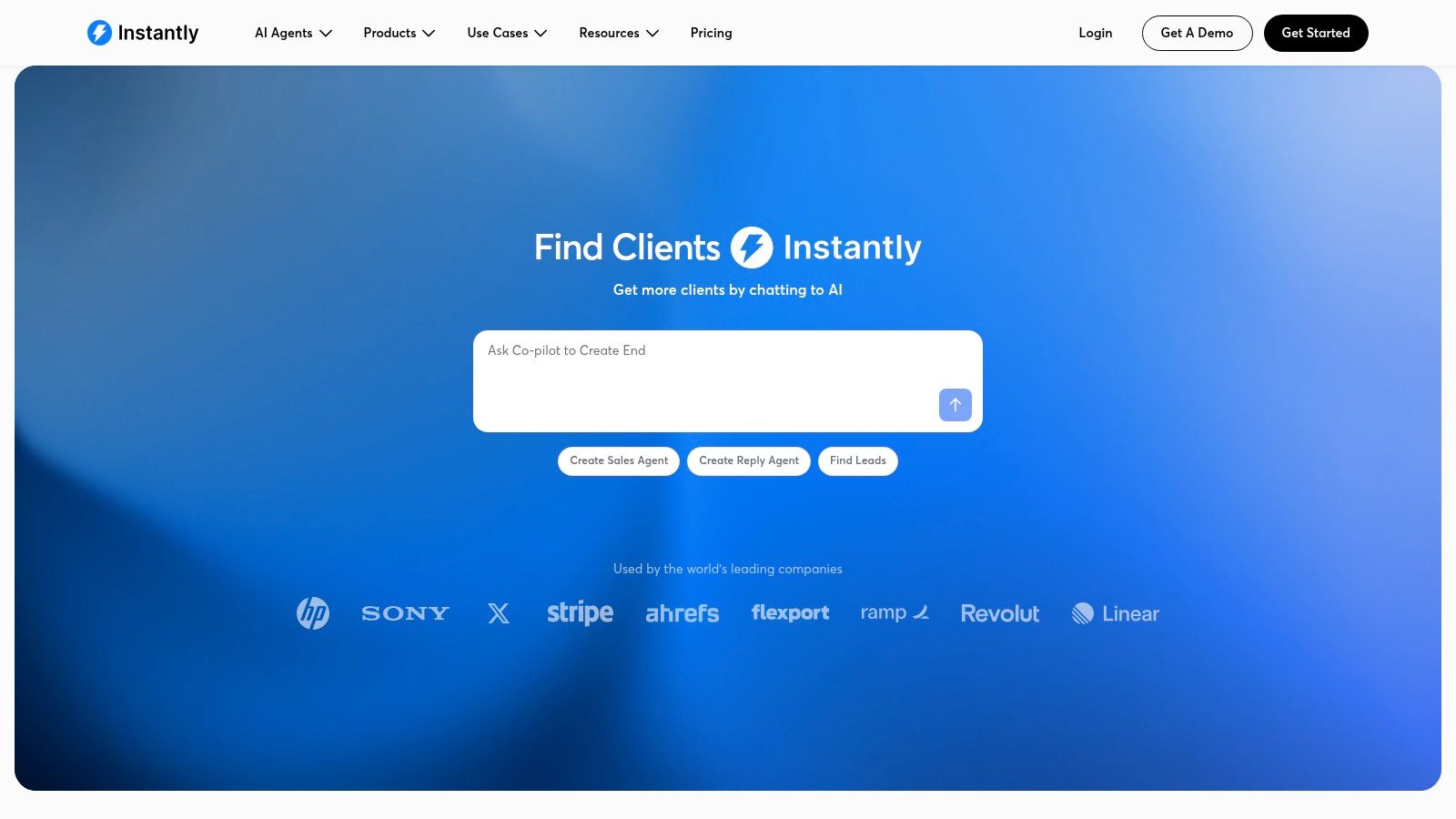
Instantly is built for founders, lean sales teams, and agencies running campaigns across many mailboxes. You get campaign sending, warm-up, and reply management in one place, with optional prospecting on top. It consolidates the email side well, so you're not stitching together a sender, a warmer, and a separate inbox.
What you still run yourself
- Accounts and warm-up: Connect and warm up multiple email accounts, then monitor them as volume grows.
- Campaigns and replies: Run email campaigns and manage replies, qualification, and follow-up yourself.
- Optional data: Lead finding, enrichment, and verification are available, with data credits counted separately.
- Deliverability checks: Inbox placement testing and deliverability tools come through plans or add-ons.
The limits are the catch. Contact uploads and monthly sending volume have separate limits, so price both before you commit. It's also primarily email focused rather than a native phone and LinkedIn sequencing platform, which is fine until it isn't.
Run your current domains through an email deliverability checker before migrating anything. Validity's 2025 benchmark, summarized in Sales.co deliverability research, reported that only about 83.5% of legitimate marketing emails reached inboxes worldwide in 2024. Delivered and inboxed are not the same number.
2. Smartlead
If your problem is mailbox sprawl, Smartlead speaks your language. It's a cold email platform for teams and agencies managing many sending accounts and campaigns, with the emphasis on mailbox scaling, warm-up, and reply management rather than multichannel bells. Public pricing makes the tiers easier to compare than most.
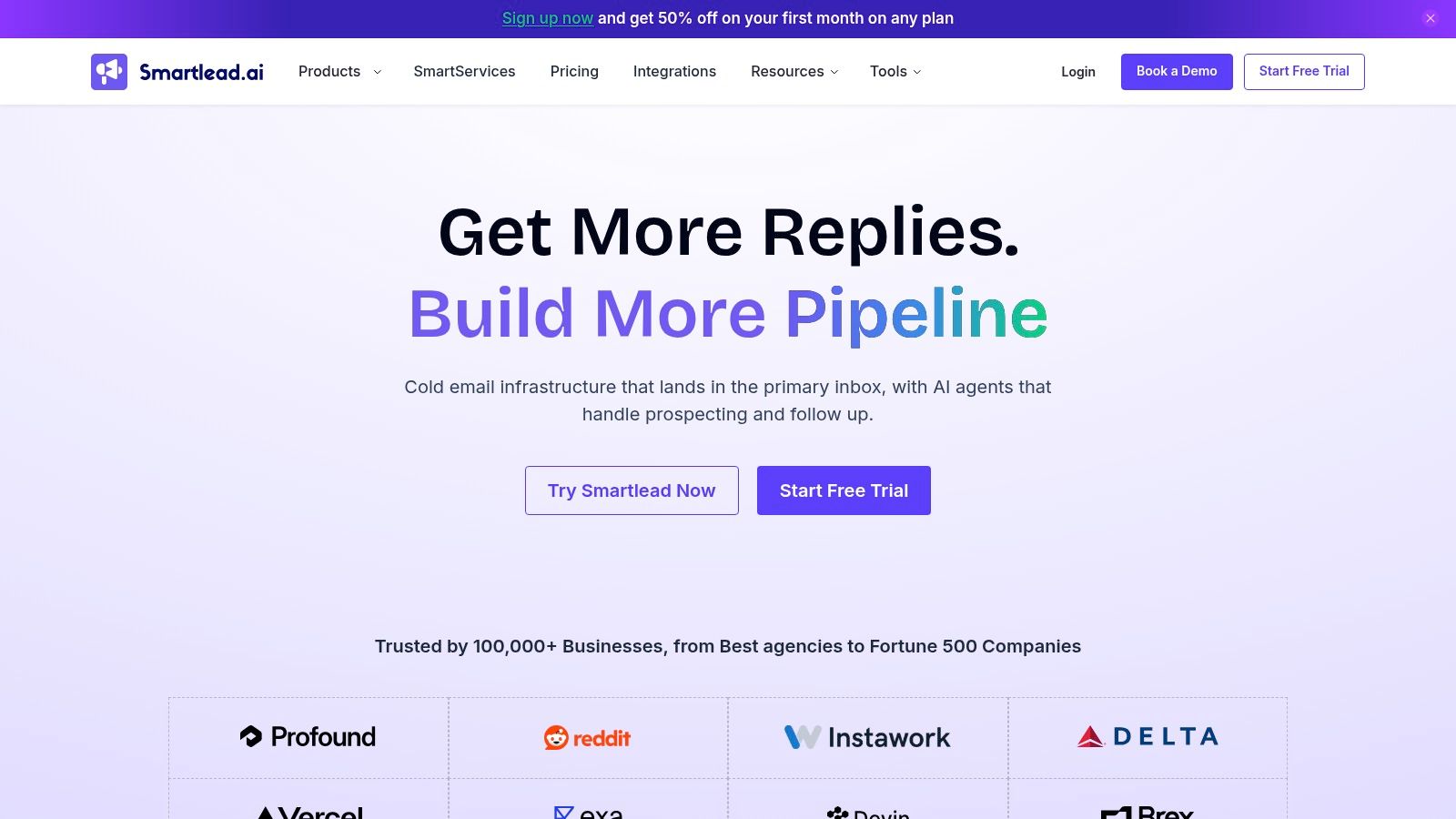
You get unlimited email accounts across plans, with plan-specific sending limits, plus warm-up pools that differ by tier. Qualifying plans add centralized CRM and campaign tools, and higher tiers add client workspaces and verified prospect email allowances. For an agency juggling clients, that workspace separation is the key feature.
Practical rule: Unlimited mailboxes do not mean unlimited sending. Map your daily volume per domain first, then pick the tier.
Email is the primary channel here. LinkedIn and calling rely on integrations or add-ons, and higher sending volumes push you into more expensive plans. Separate included verification from optional add-ons when you estimate cost, or your spreadsheet will lie to you.
Use an outbound volume planner to determine how many mailboxes your target volume requires. Smartlead provides the engine and the garage. You're still the mechanic.
3. Reply.io
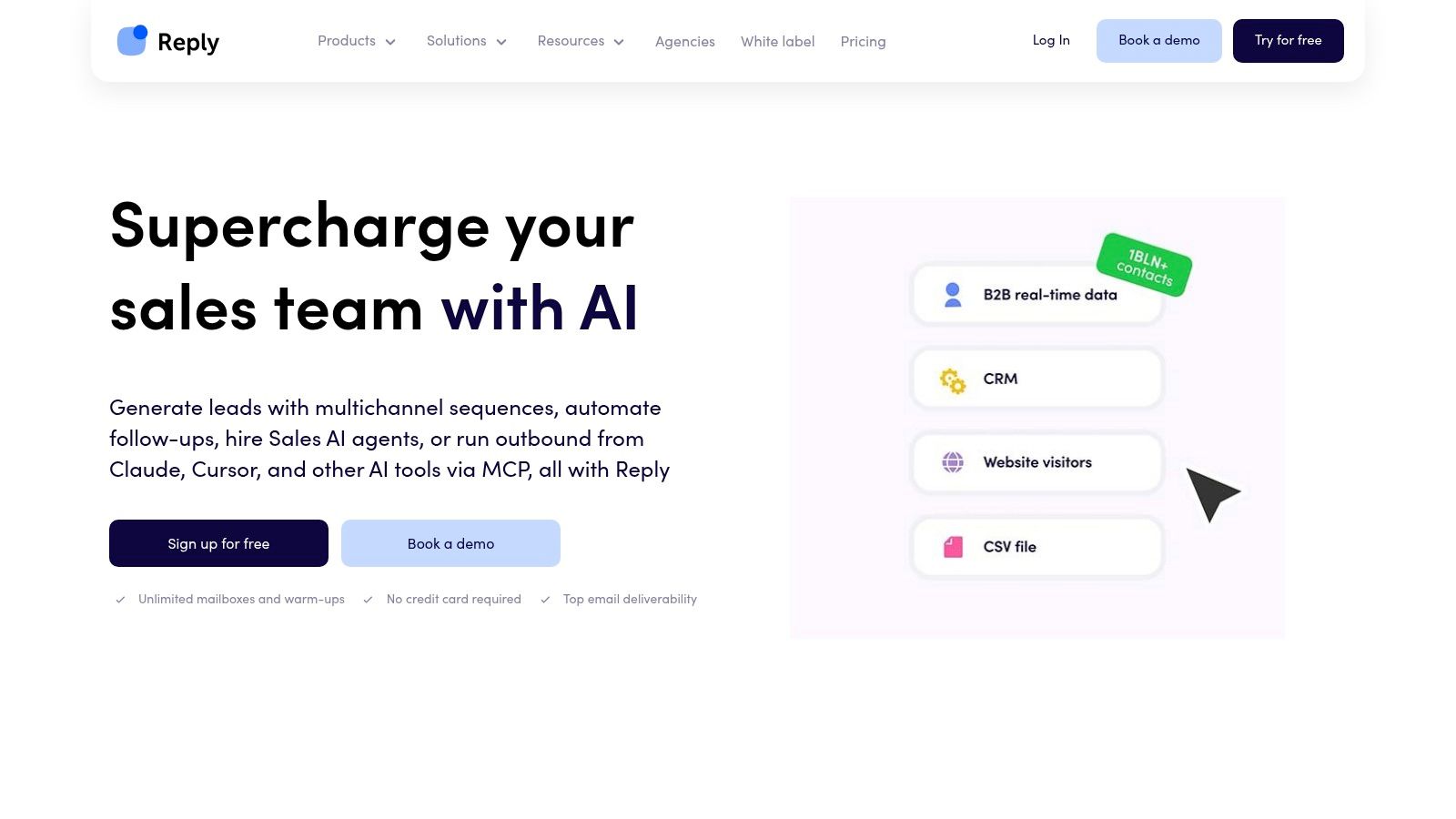
Reply.io is the pick when email alone stopped being enough. It's a sales engagement platform that puts email sequences alongside LinkedIn, calls, and SMS, with semi-automated WhatsApp in the mix. That breadth is the whole point, and it's broader than a dedicated cold email sender by design.
Where it earns its keep
The platform covers email sequences with warm-up and deliverability tools, prospect data, and AI assisted outreach, including AI SDR functionality. CRM integrations and meeting booking are built in, and there's a 14-day trial to test it. Email only and multichannel plans give you different entry points depending on how many channels you run.
Now the fine print. Some channels and capabilities require paid plans or add-ons, so the headline plan may not be the one you end up on. Email volume plans count active contacts, which means your campaign volume needs checking against that definition, not just sends per month.
It's also software, not a managed prospecting and appointment setting service. It'll orchestrate touches across channels all day. Researching accounts, writing the messages, and handling an awkward objection at 4 p.m. is still your job.
4. SmartReach.io
SmartReach.io targets teams coordinating email, LinkedIn, and calling without paying per seat for the privilege. Several plans don't price by number of users, which matters when your agency team is bigger than your sending volume. Agency client dashboards on selected tiers round out the pitch.
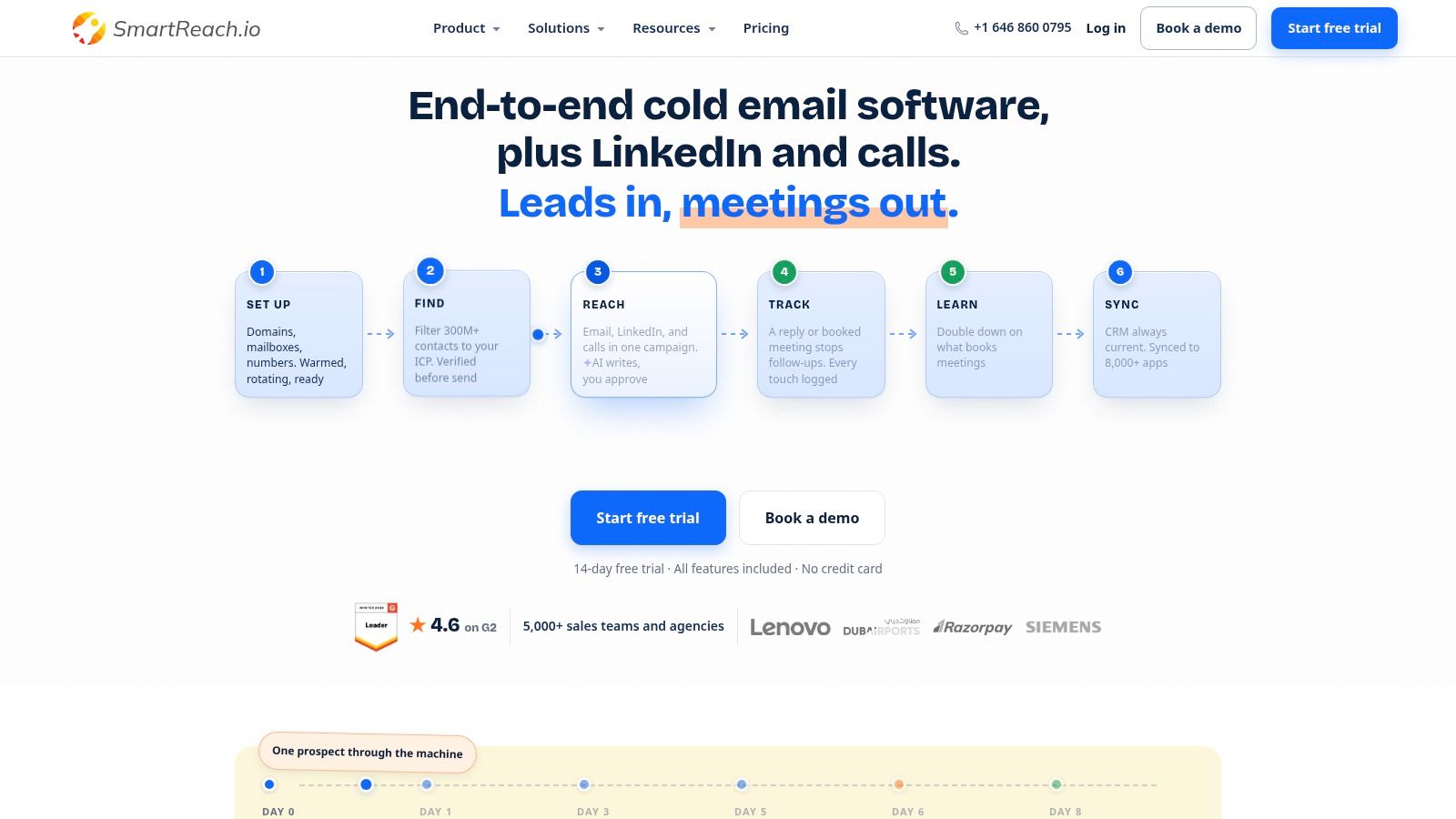
- Email core: Sequences, follow-ups, and a unified campaign inbox.
- Rotation and warm-up: Inbox rotation and warm-up on qualifying tiers.
- LinkedIn add-on: LinkedIn automation is available, but it's an add-on, not a standard inclusion.
- Calling: Calling features show up in some sales engagement plans.
That tiering is both the appeal and the annoyance. Important capabilities vary by tier and the entry plan is relatively limited, so you can easily buy the cheap plan and immediately outgrow it. Active prospect and client dashboard limits can also constrain agencies as they scale.
I recommend pricing SmartReach.io at the tier you'll need in two quarters, not the one you need today. If that number still works, the no per seat model is handy.
5. Saleshandy
Say your team keeps running out of prospects before it runs out of sending capacity. Saleshandy is built for that problem, combining cold email sequences with lead finding in one product. Its published plans don't charge by mailbox or seat, and there's a 7-day free trial to kick the tires.
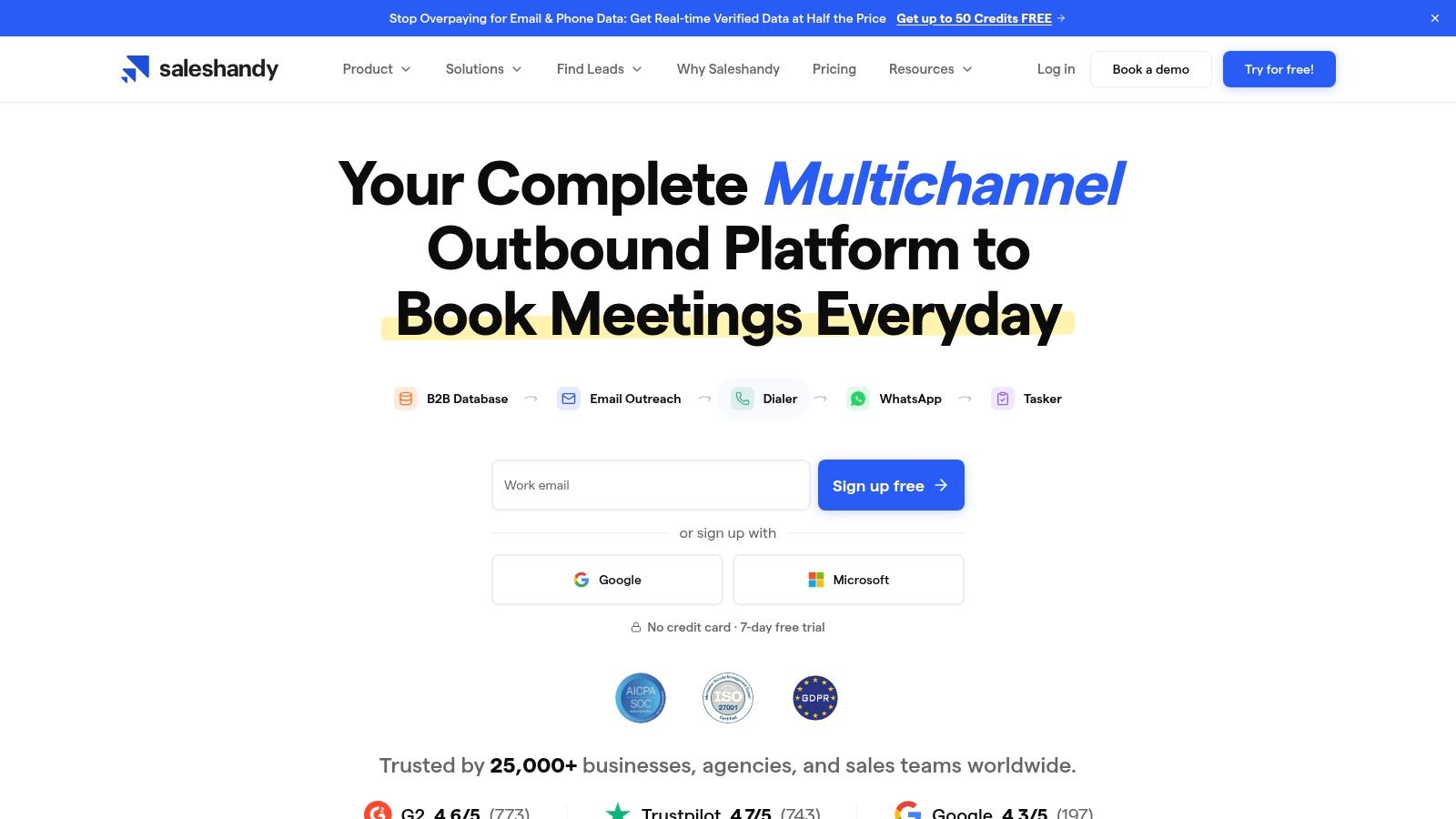
The bundle includes sequences and mailbox warm-up, plus a Lead Finder with email finding and verification workflows. Prospect storage is unlimited, which sounds generous until you notice active prospects are limited by plan. Storing a lead and emailing a lead are priced as different things, because of course they are.
The infrastructure question
Email infrastructure is available as a separate add-on, so add that cost before comparing Saleshandy against tools that bundle it. That's the recurring theme with these platforms. The subscription is rarely the whole bill once domains, mailboxes, and verification enter the picture.
Teams that need broader native phone and LinkedIn sequences will likely prefer a multichannel platform instead. Saleshandy is an email tool with a prospecting wing, and it's at its best when you judge it as exactly that.
6. Woodpecker
Woodpecker prices on contacted prospects rather than users, and that single decision shapes who should buy it. You can add team members and mailboxes without a per seat charge, which suits teams whose headcount grows faster than their lead list. It covers cold email and LinkedIn outreach with condition based campaign workflows.
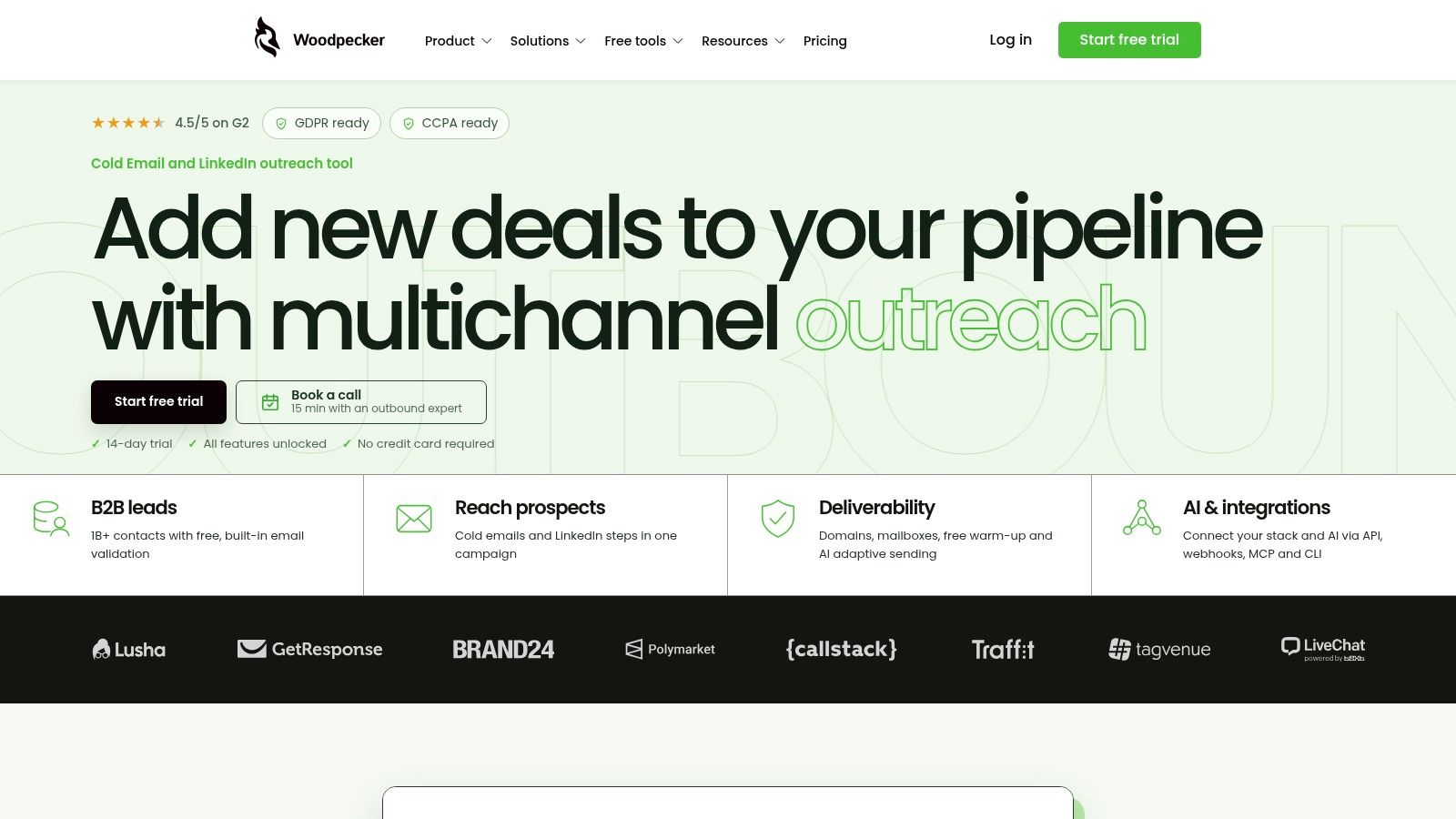
Deliverability gets proper attention here, with warm-up, inbox rotation, a centralized inbox, and monitoring. Workflows can include LinkedIn steps and manual call or SMS tasks, and there's a paid Agency Panel with white-label options. The trial runs 14 days or 100 emails, whichever comes first, which tells you to test deliberately, not casually.
A contacted prospect limit is a hard ceiling, not a suggestion. Once you hit it, campaigns stop enrolling new people.
LinkedIn accounts and some agency features add cost on top of that usage pricing. Model your monthly prospect volume accurately, including follow-up enrolments across clients if you're an agency.
Woodpecker is an outreach tool, not a managed campaign or appointment setting service. You bring the list, the copy, and the person who answers replies.
7. Mailshake
Mailshake is the straightforward option on this list, and that's a compliment. It runs automated email sequences with A/B testing, warm-up, and verification on listed plans, without burying you in a platform you'll need a course to operate. Public plan comparisons show mailbox and feature limits clearly.
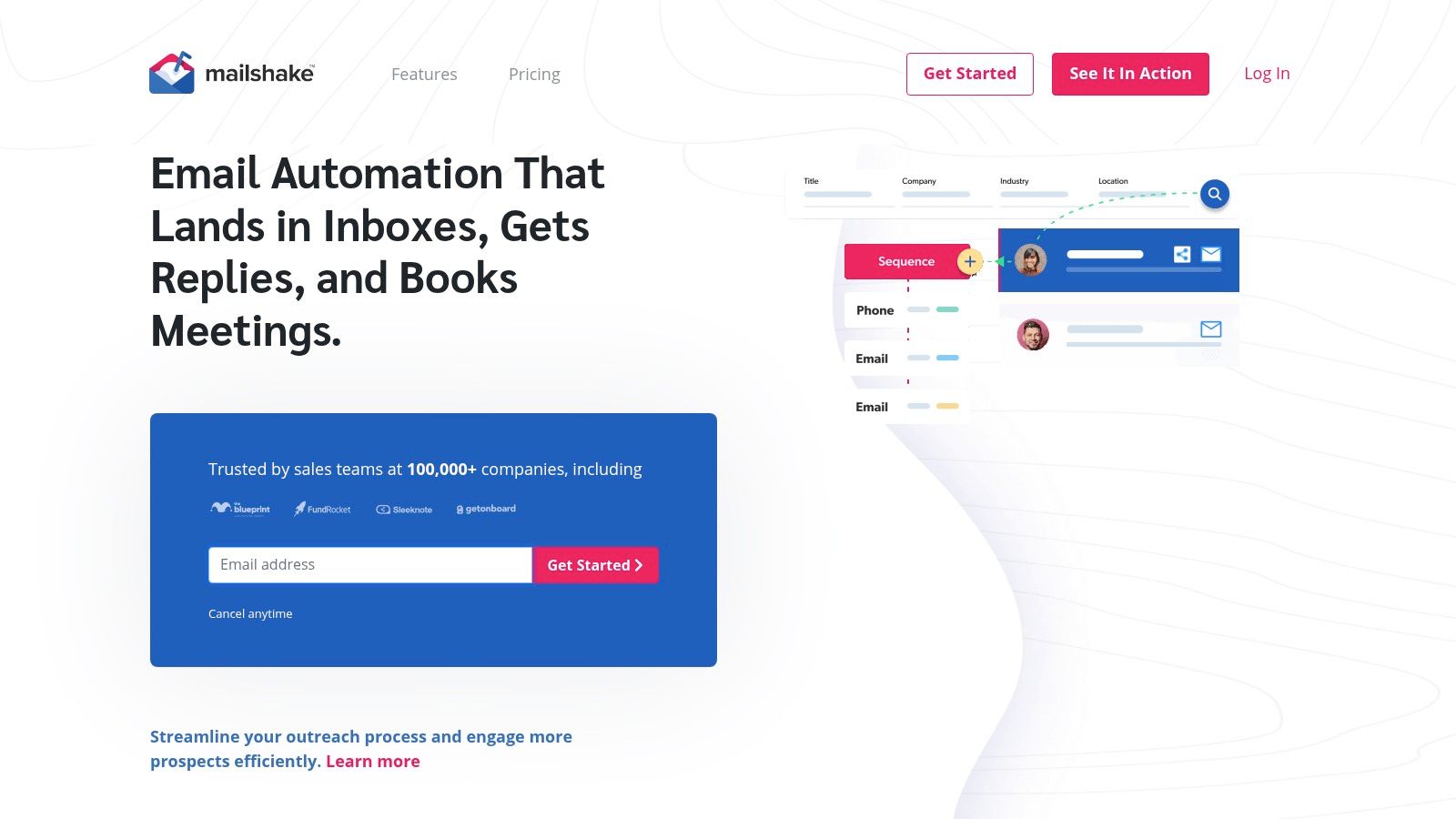
Higher tiers add email rotation, personalization, and a unified inbox, plus CRM connections and Zapier integrations. The Sales Engagement tier brings a power dialer and phone numbers, so there's a path from email campaigns into broader sales engagement if you grow into it.
- Mailbox allowances: Lower tiers allow fewer email addresses per account, which limits rotation.
- Phone features: The dialer requires the higher tier, so budget for it if calling matters.
- Prospect data: Teams needing extensive data capabilities will need separate tools.
That last point is where the work piles up. Mailshake will send and track happily, but list building sits elsewhere. An email sequence generator can speed up drafting your steps, though you'll still edit them like you mean it.
8. Apollo.io
Apollo.io flips the order of operations. It starts with a searchable contact and company database, then layers prospecting, enrichment, and email sequences on top. If your bottleneck is finding the right people rather than sending to them, this is the data-first end of the Lemlist alternatives conversation.
Paid plans add sequences, CRM integrations, and deliverability tools, along with AI assisted research and personalization. Calling and meeting workflows are in there too, with some capabilities depending on plan or credits. A free plan lets you evaluate with light usage before paying.
Count the credits, not just the seats
Pricing is per seat, and contact data use is credit based. Estimate team size and monthly lookups together, because either one can become the main cost driver. A Salesforce survey cited in the State of Sales report found 87% of sales organizations use AI for activities such as prospecting, forecasting, lead scoring, or email drafting, so test whether that AI saves research time on your accounts.
If you already have clean prospect data, Apollo's breadth may be unnecessary weight. Compare that against a performance based lead generation model where the list building is handled for you.
9. Mixmax
Some reps refuse to leave Gmail, and Mixmax stopped arguing with them. It's an email engagement platform built around Gmail, with sequences, scheduling, tracking, and reminders living inside the inbox your team already opens. For rep led, CRM connected workflows, that familiarity speeds adoption.
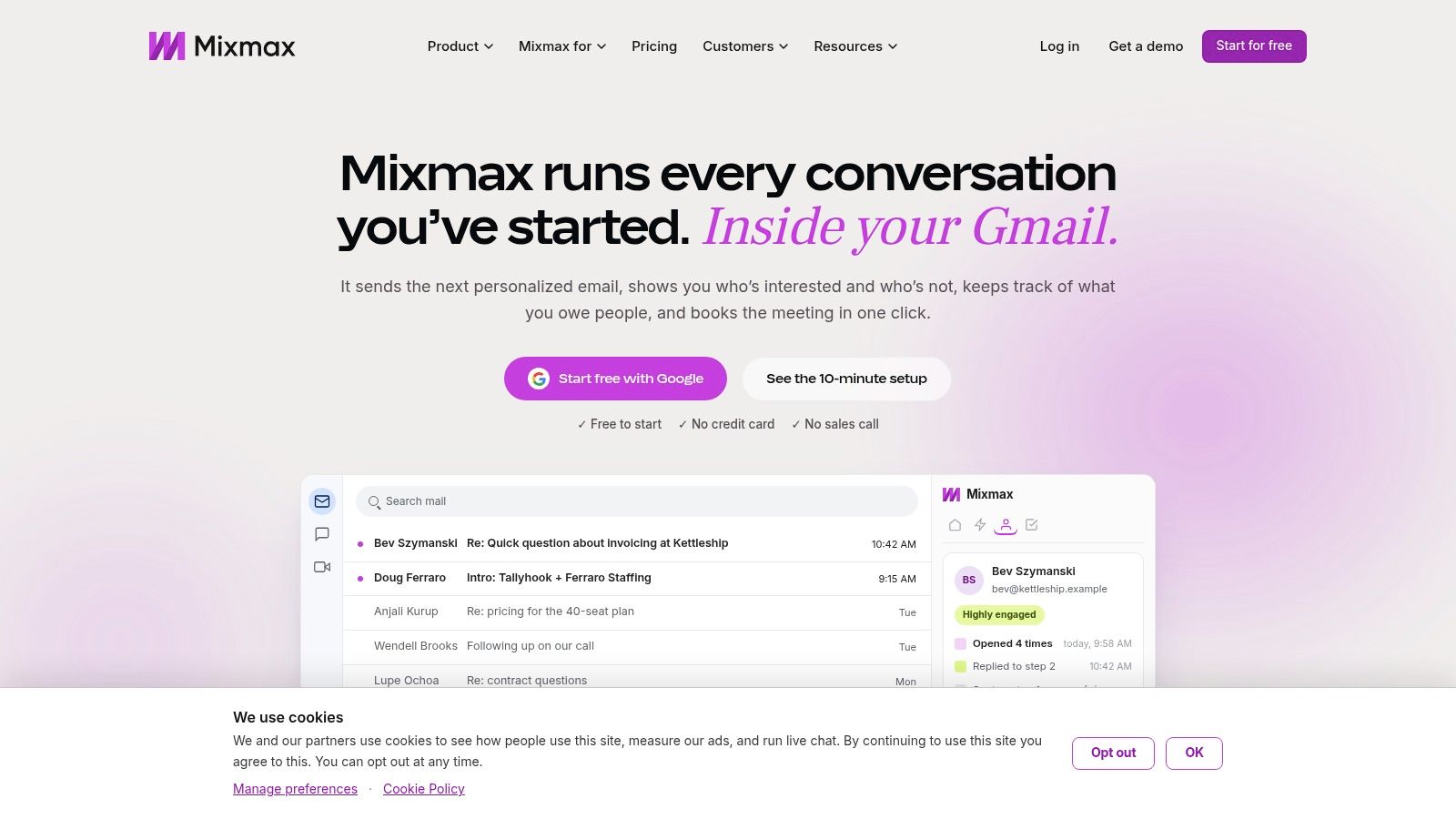
Sequences can include multichannel tasks such as LinkedIn steps, and paid plans add an AI sequence builder and performance features. Salesforce and HubSpot integrations keep activity attached to your system of record. There's a free tier after the 14-day trial, with more limited functionality.
That CRM connection matters more than it sounds. G2 sales research reports that integrations are the leading reason buyers purchase sales software, while 57% expect positive ROI within three months. Test the sync with real records before you roll it out.
The Gmail centered approach won't suit teams on other primary email workflows, and sequence recipient limits need checking against campaign volume. It's not a built-in prospect database or a high volume mailbox operation, and it doesn't pretend to be.
10. Outplay
Outplay is the multichannel piece for teams whose day already splits across email, phone, social, and SMS. One sequence can hold those steps. The mailboxes, the dialer queue, and the hours to work them stay yours.
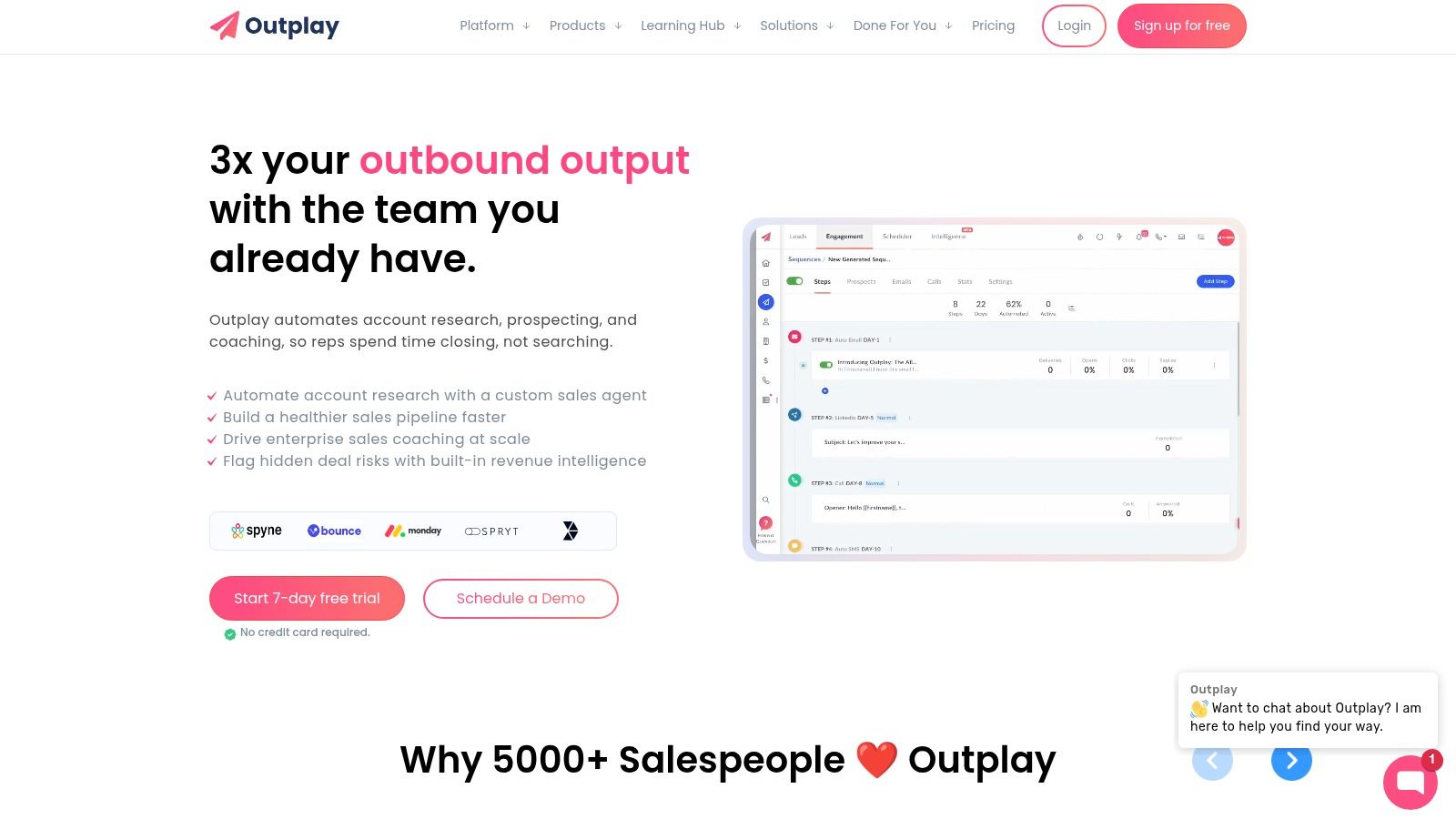
Sequence rulesets, automated email rotation, click to dial, and a sales dialer come with the platform, plus sales agency and bundle offerings. The free forever entry tier is a low-risk way to learn the interface.
It's limited on users, mailboxes, and active prospects, and some outreach actions are manual on the free plan, so check the current allowances on Outplay's pricing page before building processes around it.
Cost check: Price any multichannel suite as cost per qualified meeting, including the human hours to run it, not as cost per seat.
Outplay is a campaign engine you operate, not a finished book of meetings. A meeting cost calculator sets that loaded cost next to a pay-per-close fee. If the hours and mailbox work cost more than paying only when a deal closes, and your team does not want the infrastructure, skip another subscription. If reps already live in the dialer, keep the engine.
How the ten Lemlist alternatives differ on focus, best fit, and main limitation
| Item | Core Focus | Best For | Main Limitation |
|---|---|---|---|
| Instantly | Cold email campaigns, mailbox warm-up, and optional prospecting | Teams managing multiple mailboxes and email campaigns | Prospecting and deliverability features may cost extra; email-focused |
| Smartlead | Cold email operations, mailbox scaling, and agency workflows | Agencies and teams managing many sending accounts | Multichannel outreach relies on integrations or add-ons |
| Reply.io | Multichannel sales engagement with email, LinkedIn, calls, and SMS | Teams coordinating outreach across several channels | Some channels and features require paid plans or add-ons |
| SmartReach.io | Email outreach with optional LinkedIn and calling | Agencies seeking flexible user pricing and client dashboards | Features and prospect limits vary by plan; LinkedIn is an add-on |
| Saleshandy | Cold email sequences and lead finding | Teams wanting prospect discovery and outreach in one product | Active-prospect limits apply; email infrastructure may cost extra |
| Woodpecker | Email and LinkedIn outreach with deliverability tools | Teams adding users and mailboxes without per-seat pricing | Contacted-prospect limits and some LinkedIn or agency features add cost |
| Mailshake | Email outreach with higher-tier sales engagement and dialing | Teams moving from email campaigns to broader sales engagement | Mailbox allowances are lower on entry plans; phone features require a higher tier |
| Apollo.io | B2B contact data, prospecting, and sales engagement | Teams wanting prospect data and outreach in one platform | Per-seat pricing and credit-based data use can increase costs |
| Mixmax | Gmail-based email engagement, sequences, and scheduling | Sales teams working within Gmail and connecting outreach to a CRM | Gmail-centered workflow may not suit other setups; volume and add-on limits apply |
| Outplay | Multichannel sales engagement across email, phone, social, and SMS | Teams coordinating multichannel outreach and dialing | Free-tier and plan limits apply to users, mailboxes, prospects, and features |
Pick the Tool You Will Still Be Running in March
Choose by workload, not feature count. Email only tools like Instantly, Smartlead, and Saleshandy fit teams that already own lists and copy. Multichannel suites like Reply.io, SmartReach.io, and Outplay fit teams that run calls and LinkedIn daily. Data first tools like Apollo fit teams whose real problem is finding people. Picking a suite for channels you'll never staff is how subscriptions become shelfware by March.
Whatever you choose, treat deliverability and compliance as operating requirements, not settings. Google's Gmail bulk sender guidance recommends keeping the user reported spam rate below 0.1% and preventing it from reaching 0.3% or higher. Authenticate every domain, make unsubscribing easy, and monitor reputation daily.
The legal side is just as concrete for U.S. outreach. The FTC's CAN-SPAM compliance guide states the law makes no B2B exception and each separate violating email can carry a civil penalty of up to $53,088. Accurate headers, honest subject lines, and honored opt-outs are not optional extras.
Relevance is the other filter buyers apply for you. A Gartner press release reported that 73% of B2B buyers actively avoid suppliers that send irrelevant outreach. More volume aimed at the wrong people doesn't fix a targeting problem. It just reaches the wrong people faster.
Before you migrate, export your sequences and suppression lists, warm new domains for at least two weeks, and run a small test batch before switching volume. It also helps to compare email outreach tools for 2026 side by side on the limits that apply to your setup. Then judge the winner on replies, meetings, and closed deals, not sends.
Here's the test for when another subscription stops making sense. Add up the platform, domains, mailboxes, data, verification, and the hours your team spends on research, copy, reply handling, and booking. If that total buys you activity but not meetings, the bottleneck isn't software. It's the human work around it.
That's where Ever Outbound, a pay-per-close service, fits differently. The Local plan is $97/month plus a 5% commission on deals you close from its outreach, and your first 2 closes are commission-free. The subscription covers sending platform licenses, domains, mailboxes, lead data, verification, and AI tooling, so you're paying for results rather than another stack to babysit.
If you'd rather skip the mailbox wrangling, reply handling, and sequence babysitting entirely, Ever Outbound runs the whole outbound engine for you on a pay-per-close basis, so you only pay a commission when a deal from its outreach closes. You show up to qualified calls while the research, copywriting, infrastructure, and booking are handled for you. Visit Ever Outbound Inc. to see how the pay-per-close model compares with running one of these tools yourself.