October 21, 2026
10 Email Warmup Tools: A Practical Buyer's Guide
You've bought the new domains, created the mailboxes, written the sequence, and pushed volume because the pipeline meeting is Friday. By Tuesday your reps are asking why replies dried up, and a quick check shows test messages sitting in spam. That sequence is painfully common, and it's why teams go shopping for relief at exactly the wrong moment.
Email warmup tools can help a new or dormant mailbox build steadier engagement patterns, but they can't rescue weak targeting, misleading copy, broken authentication, or a reckless ramp. Google required bulk senders to use SPF, DKIM, and DMARC from February 1, 2024, with bulk defined as close to 5,000 messages to personal Gmail accounts in 24 hours under Google's sender requirements for Gmail delivery. Warmup sits on top of that foundation, it doesn't replace it.
This guide judges each option on warmup mechanism, provider support, deliverability diagnostics, pricing scalability, API access, and monitoring. Some tools only generate engagement. Others test placement, watch reputation, or bundle sending itself. Start with authentication and list quality, read these practical tips for inbox placement, then pick the tool that matches your actual operating problem, mailbox count, and stack.
Table of Contents
- 1. MailReach
- 2. lemwarm
- 3. Warmup Inbox
- 4. Instantly
- 5. Warmy
- 6. Warmbox
- 7. Mailwarm
- 8. TrulyInbox
- 9. InboxWarm.ai
- 10. MailWarm.io
- Email Warmup Tools: Top 10 Comparison Matrix
- Build a Warmup Workflow That Survives Contact
1. MailReach
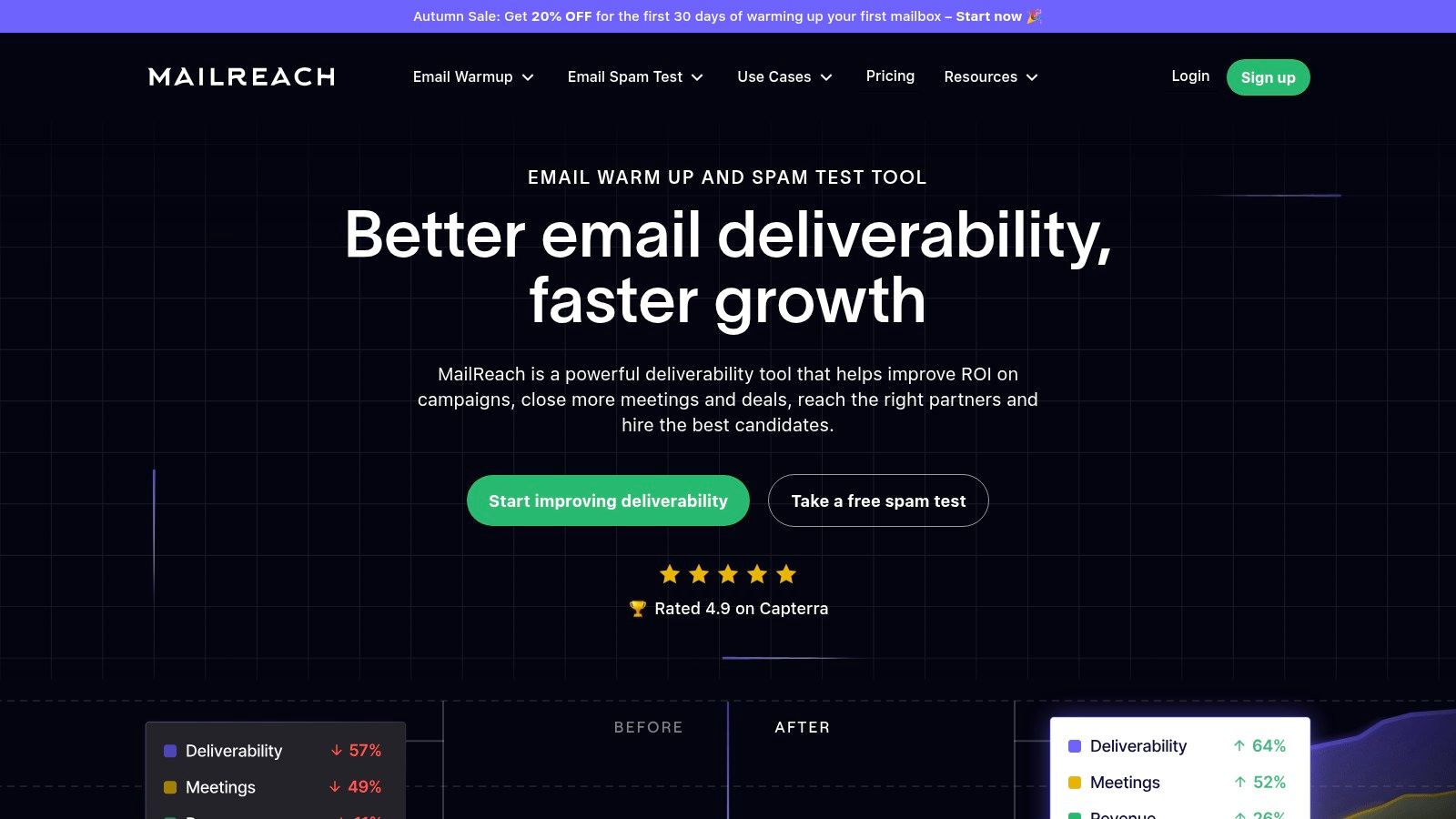
MailReach is the sensible first stop if you don't just want warmup activity, you want evidence. It pairs automated warmup with inbox placement and spam testing, plus domain and mailbox reputation monitoring. For B2B teams and agencies juggling many mailboxes, that diagnostic layer matters more than another cheerful activity chart.
Public pricing starts at $25 per mailbox per month for smaller volumes, with volume based pricing available. That model is predictable for a small fleet and painful for a large one, which is the main trade-off. You also get adjustable sending volume, API access, and team reporting, so it's built for operators who review placement by mailbox rather than trusting a single score.
Before you scale it, run your setup through an email deliverability checker for authentication and placement issues and fix what you find. MailReach can show you where mail lands, but vendor published performance claims aren't guaranteed outcomes.
- Best fit: B2B teams and agencies that want warmup plus placement checks
- Watch out for: Per mailbox costs compounding, and features a solo sender may never use
2. lemwarm
If you're already living in lemlist, lemwarm is the low friction choice. It's from the company behind lemlist, warmup is included with some lemlist plans, and standalone use is priced per inbox. That bundling is the whole pitch. Inside that ecosystem it's convenient. Outside it, the case gets weaker fast.
The vendor describes a network of 20,000+ domains, alongside technical setup checks and deliverability reports. Higher tiers add personalized warmup emails and alerts. Setup is relatively simple, tiers are clear, and you get monitoring beyond basic warmup without stitching together another vendor on day one.
Where the Math Changes
Per inbox pricing stops feeling friendly as mailbox count climbs, and some advanced controls sit on higher tiers. If you don't use lemlist and you're warming many accounts, compare the total bill carefully before defaulting to it.
Whatever tool you choose, clean targeting still decides whether real prospects reply. A quick pass with a lead list cleaner to remove risky contacts before sending does more for complaints than extra warmup volume. lemwarm suits lemlist customers and small teams that value simplicity. Multi platform agencies should price alternatives first.
3. Warmup Inbox
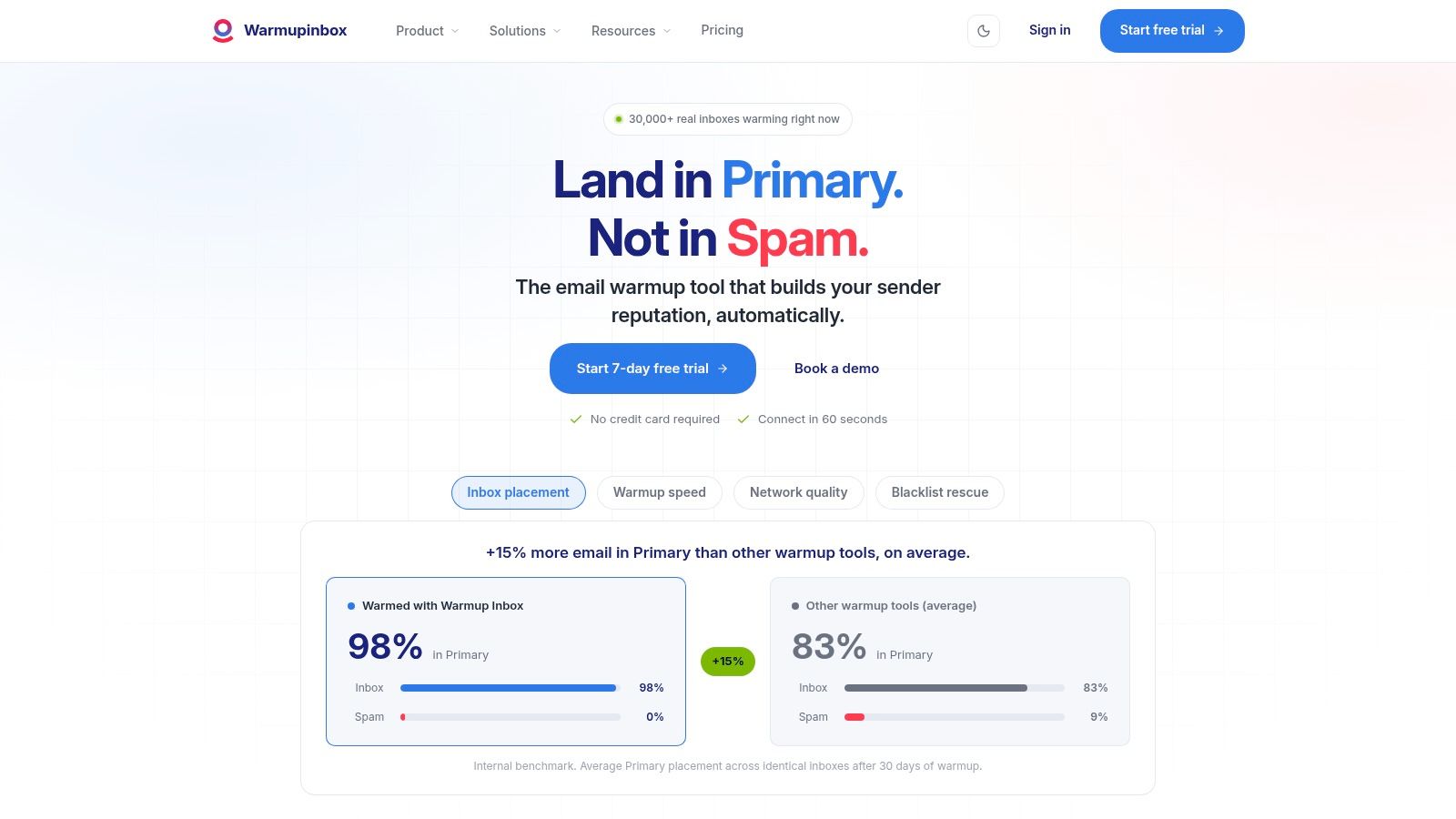
Warmup Inbox keeps things dedicated and legible. It's automated warmup plus mailbox health monitoring for Gmail, Outlook, and custom SMTP, with a network the vendor describes as 30,000+ real inboxes. Spam and category monitoring, reputation checks, and dashboards cover the basics without forcing you into a full outbound suite.
Pricing is published, which helps. The Basic plan is listed at $15 per inbox per month with annual billing, and Basic, Pro, and Max tiers carry different daily warmup limits. There's also a seven day trial without a credit card, plus API access and agency options for teams that grow into them.
Warmup activity proves a tool can exchange mail with its own network. It doesn't prove your campaign copy, targeting, or volume will reach a prospect's inbox.
That caveat is the main limit here. Per inbox pricing adds up, daily limits depend on your plan, and you still need seed placement tests with real campaign content. For a small outbound team that wants a focused product, transparent entry pricing, and provider flexibility, Warmup Inbox is easy to evaluate and easy to leave if your fleet outgrows the math.
4. Instantly
Instantly isn't really a warmup tool. It's an outbound platform that happens to include warmup, and that distinction should drive your decision. Listed outreach plans include unlimited email warmup and connected accounts, campaign sending and scheduling, analytics, and reply management in one place.
A listed plan starts at $47 per month, with prices and sending capacity varying by plan. For agencies managing many inboxes, having warmup and campaigns under one login removes operational friction. You don't reconcile two dashboards or wonder whether a mailbox is warming in one system and sending in another.
Independent head to head testing with new, low activity mailboxes and about 200 warmup messages per tool reported Instantly at 95% inbox placement, within a 90% to 97% range across tools under Prospeo's comparative warmup tool test. Treat that as a relative benchmark, not a promise for your domains.
If you're weighing a bundled platform against a managed approach, this comparison of Ever Outbound and Instantly for outbound execution lays out the difference. Instantly suits teams that want the stack consolidated. Teams that only need diagnostics will pay for a broader platform they may not use, subject to plan and fair use limits.
5. Warmy
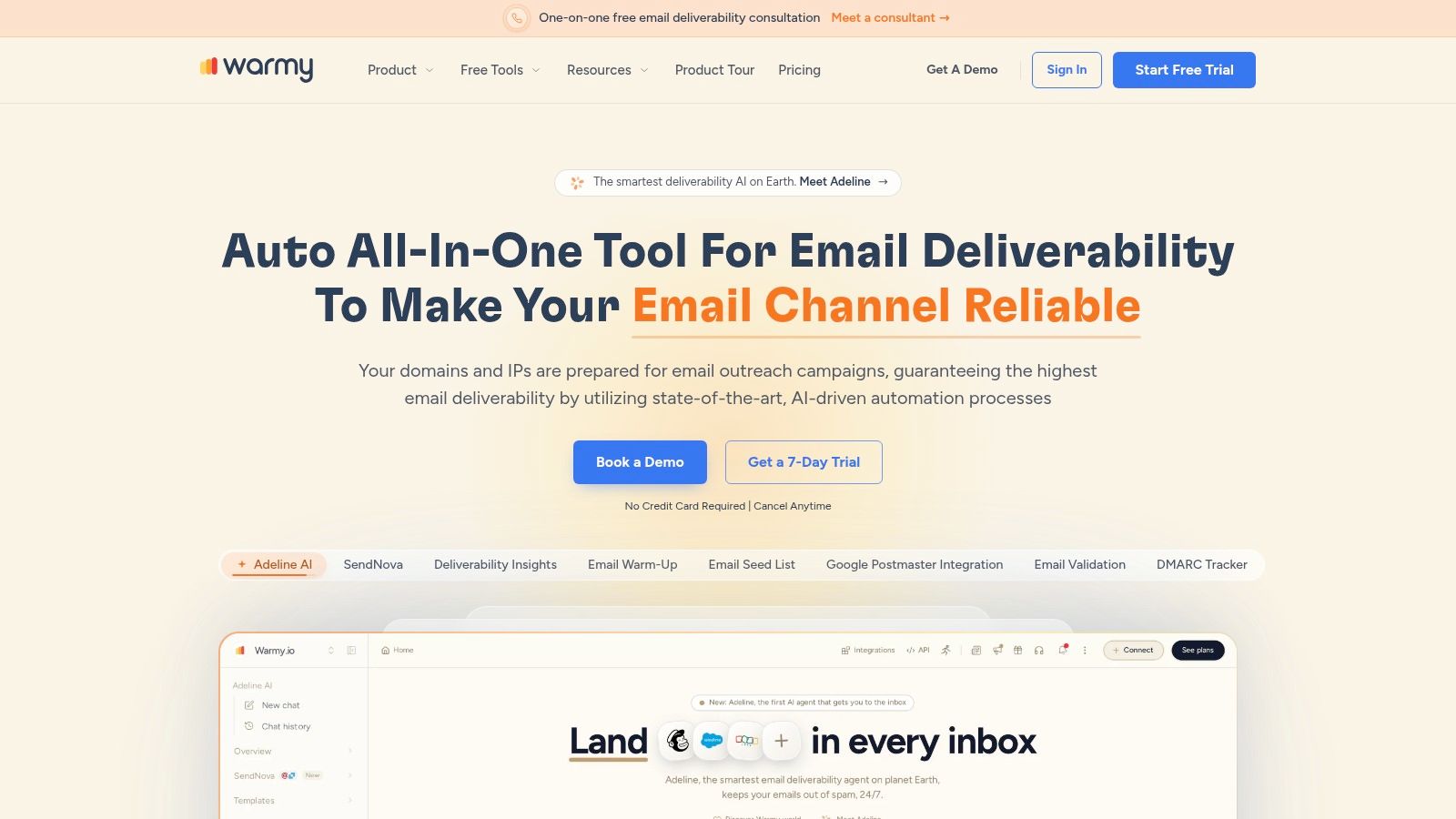
Teams investigating a deliverability problem, rather than just warming a fresh mailbox, should look at Warmy. It combines automated warmup with placement testing, Google Postmaster integration, DMARC monitoring, and email verification. API access and a dedicated deliverability expert are also listed among its offerings.
The vendor advertises plans starting at $49 per month and a seven day trial. Pricing depends on plan and volume, so confirm the number for your mailbox count before you budget it. The broader toolkit can help you separate an authentication issue from a reputation issue, which basic warmers rarely do well.
That breadth is also the downside. If you only need steady warmup for a handful of healthy mailboxes, you'll pay for diagnostics you rarely open. And results still depend on sending practices and list quality, no matter how polished the dashboard looks.
Agencies comparing bundled sending platforms while they shop may also find this head to head look at Ever Outbound versus Smartlead useful context. Warmy earns its place when multiple mailboxes, murky placement, and ongoing monitoring are the problem. For simple, stable setups, it's probably more tool than you need.
6. Warmbox
Warmbox wins on clarity for small teams. Published tiers, adjustable schedules and volume, and broad provider support make it simple to understand what you're buying. It handles automated interactions, replies, and spam folder handling, with DNS and blacklist checks included.
The Solo plan is listed at $19 per month billed monthly, or $15 per month billed yearly, for one inbox. Different tiers raise mailbox count and daily warmup volume, while larger teams move to custom pricing. Gmail, Outlook, Yahoo, Zoho, SMTP, and other providers are supported, which helps mixed setups.
In the independent test referenced earlier, Warmbox was at the lower end of the reported range. Don't read too much into a single small test, but do run your own control comparison before you commit a whole domain pool to any network.
- Strengths: Published entry pricing, tiered mailbox capacity, broad provider coverage
- Limits: Inbox and daily volume caps by tier, custom pricing at larger scale
If you're also evaluating sequencers while you sort warmup, this comparison of Ever Outbound and lemlist is relevant reading. Warmbox fits solo senders and small teams that want published pricing and scheduling control without a deliverability suite attached.
7. Mailwarm
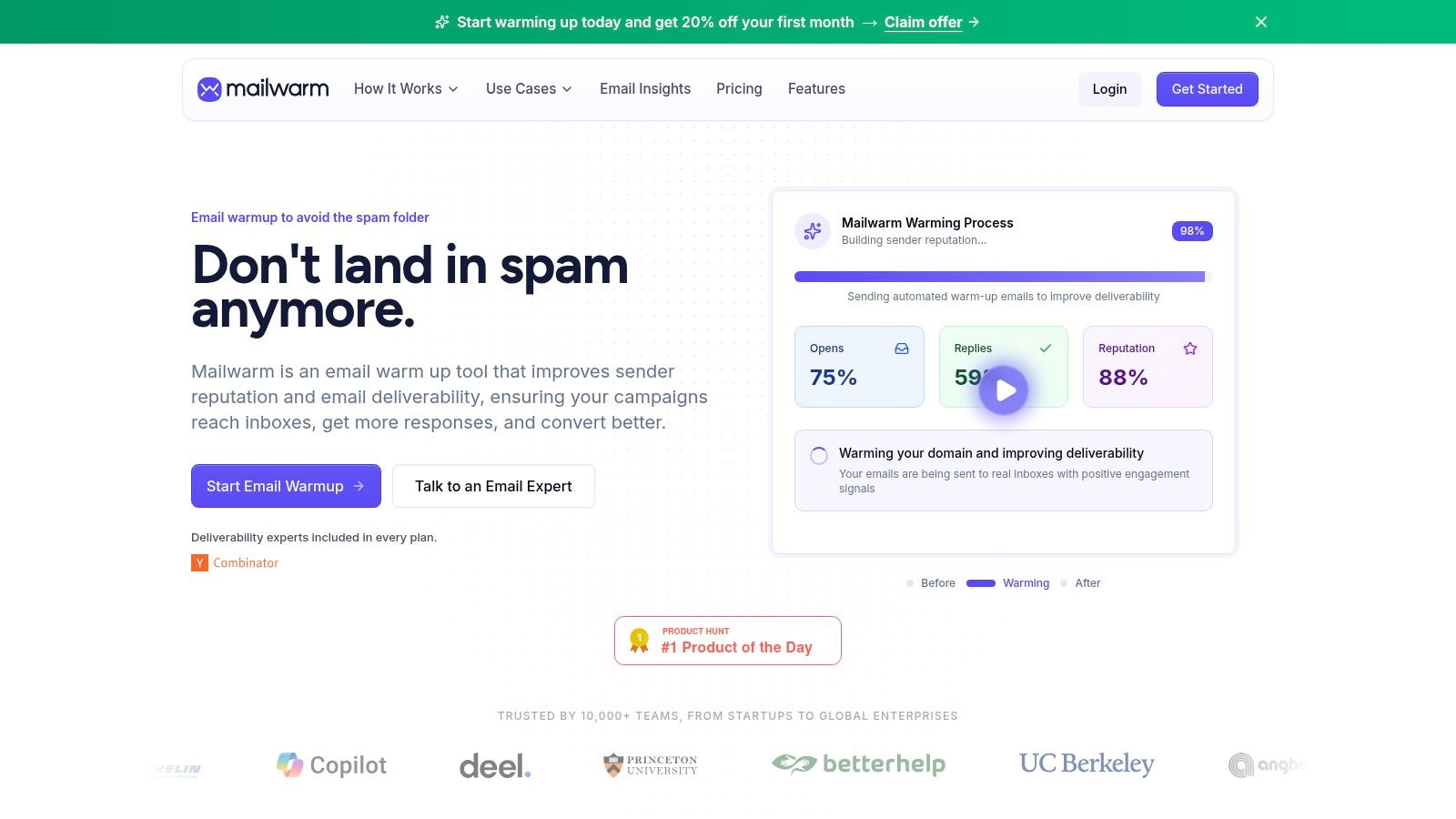
Mailwarm does one job and doesn't pretend otherwise. Automated warmup emails and replies, a dashboard to monitor activity and adjust intensity, and support for Gmail, Outlook, Yahoo, Zoho, and SMTP services. The vendor also includes deliverability experts in its offering and describes a large engagement network.
That focus has real appeal. You can pause or adjust activity from the dashboard, and you're not paying for a large sales engagement suite when you only need a warmer across several provider types. For teams with an established sending stack, a dedicated tool that stays in its lane can be the right architecture.
The friction is commercial, not technical. According to the site, there's no traditional free trial, and pricing is available by contacting the company rather than clearly displayed. That makes side by side cost comparison slower than it should be, especially for agencies modeling dozens of mailboxes.
You'll also find fewer publicly documented diagnostics than broader deliverability suites offer. If placement testing, Postmaster data, and authentication monitoring are priorities, Mailwarm may need companion tools. If you want focused warmup with human expertise available and you're comfortable requesting pricing, it's a credible shortlist candidate.
8. TrulyInbox
TrulyInbox flips the usual pricing logic. Instead of charging per connected inbox, it charges for daily warmup email volume, with unlimited connected accounts on paid plans according to the vendor. For agencies with many mailboxes but modest warmup needs per mailbox, that model can change the math completely.
There's a free plan for one account with limited daily warmup, which makes hands on testing easy. The Starter plan is listed at $29 per month billed monthly, or $22 per month billed annually. Deliverability tracking is included, so you're not flying completely blind while you test.
The Planning Catch
Volume based pricing rewards teams that can estimate combined warmup needs accurately. Guess low and each mailbox gets thin activity. Guess high and you've bought capacity you don't use. Counting inboxes is simpler, even when it's more expensive.
Inbox suits multi inbox teams and agencies that actively manage volume allocation across clients or domains. It doesn't replace placement testing or disciplined sending, and the right plan depends entirely on your combined daily volume. Model that number accurately, including seasonal ramps and new mailbox onboarding, before the free tier convinces you the math works forever.
9. InboxWarm.ai
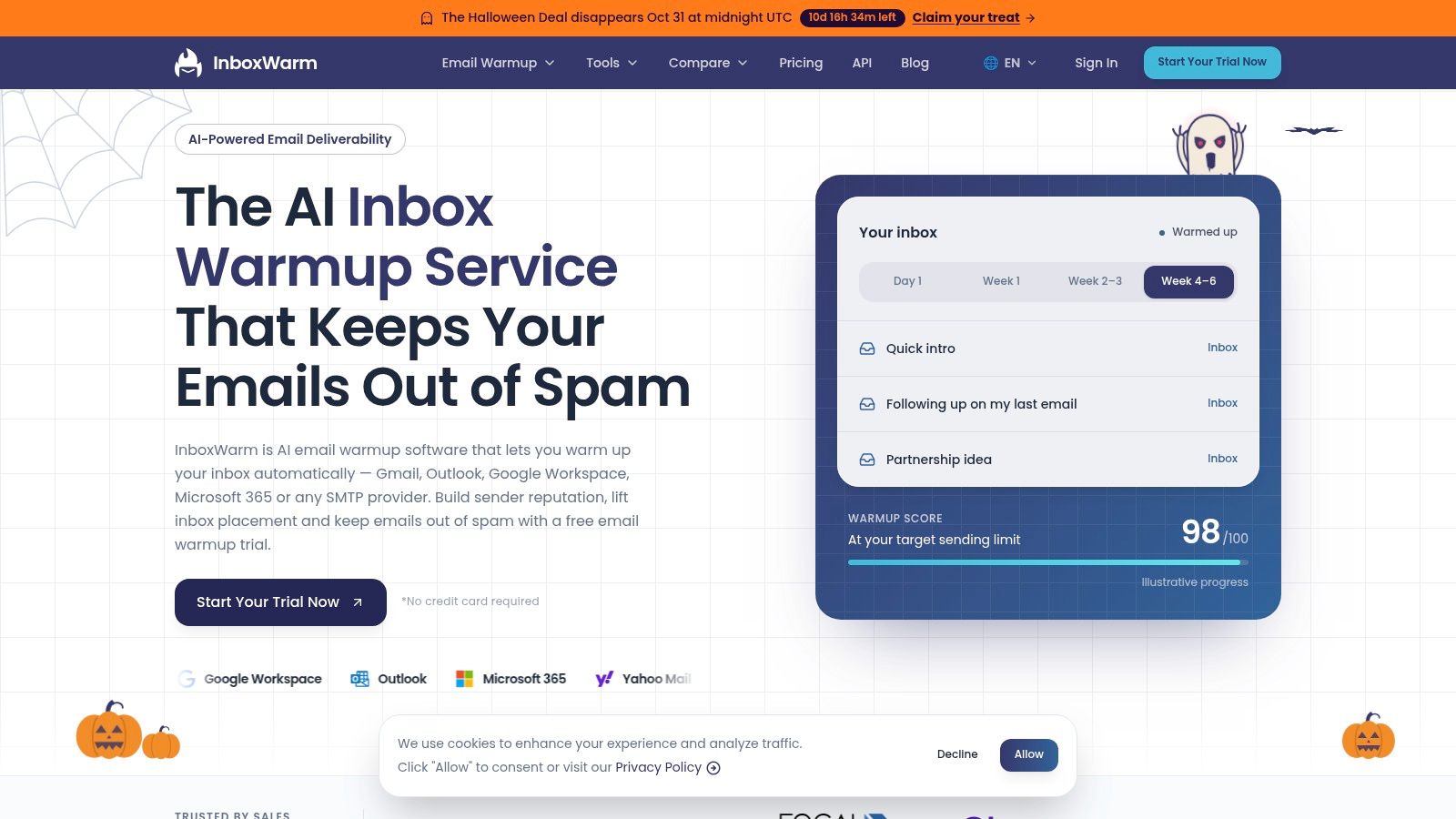
InboxWarm.ai bundles warmup with the technical checks operators argue about. Alongside automated warmup and gradual volume ramp up, it offers SPF, DKIM, and DMARC monitoring, an inbox placement dashboard, and a spam recovery engine. API access is included according to the vendor, with support for Gmail, Outlook, SMTP, and several sending platforms.
Pricing starts at $15 per inbox per month, public volume tiers help estimate multi mailbox costs, and the vendor advertises a ten day trial. There's no permanent free plan, so use the trial to test your real provider mix, not a single pristine mailbox.
Microsoft has stated that senders exceeding 5,000 messages per day to its consumer services face SPF, DKIM, and DMARC requirements, with non compliant mail initially routed to Junk and potentially rejected later under Microsoft's high volume sender requirements for Outlook. Authentication monitoring is therefore more than a nice extra.
Check vendor performance claims against your own seed placement results, and confirm volume discounts and support details at scale. InboxWarm.ai fits teams that want technical health checks and warmup in one workflow, particularly across mixed Gmail and Outlook fleets.
10. MailWarm.io
MailWarm.io is the budget conscious entry on this list, and it should be judged that way. It offers automated warmup and engagement, integration with multiple email providers according to the vendor, and Basic and Pro plans with different inbox and daily volume limits.
The vendor lists a free option for one inbox and annual plans at $90 and $190 per year. Verify current prices, limits, renewal terms, and provider coverage before you rely on those figures. SMTP based connections broaden compatibility, and for a single inbox within the advertised limits the cost is hard to argue with.
The trade-offs are predictable. Daily email caps need to match your actual warmup and sending plans, annual commitment deserves scrutiny, and there's less readily available reputation information than for better known tools. You're accepting more evaluation work in exchange for a lower bill.
Practical rule: A cheap warmer that fits your volume and passes your own placement tests beats an expensive dashboard you never interrogate.
Run a small controlled test, one or two mailboxes, identical authentication and copy, and compare placement against a mailbox on another tool. If results hold and limits fit, MailWarm.io is a reasonable low cost choice. If you need deep diagnostics, established support, or agency reporting, spend more elsewhere.
Email Warmup Tools: Top 10 Comparison Matrix
| Tool | Core Features | Deliverability / UX Strength | Pricing (Listed) | Best-Fit Audience | Standout Value |
|---|---|---|---|---|---|
| MailReach | Warmup, inbox placement and spam tests, reputation monitoring, API | ★ Combines warmup with placement checks | 💰 From $25/mailbox/month | 👥 B2B teams and agencies managing multiple mailboxes | ✨ Reputation reporting alongside warmup |
| lemwarm | Warmup, setup checks, deliverability reports, alerts on higher tiers | ★ Simple setup; warmup included with some lemlist plans | 💰 Standalone pricing is per inbox; varies by plan | 👥 lemlist users and teams seeking monitoring | ✨ Convenient if already using lemlist |
| Warmup Inbox | Warmup, spam/category monitoring, reputation checks, API | ★ Supports Gmail, Outlook, and SMTP; 7-day trial | 💰 From $15/inbox/month with annual billing | 👥 Small outbound teams comparing entry-level tools | ✨ Published tiers and trial without a credit card |
| Instantly | Warmup, campaign sending, scheduling, analytics, reply management | ★ Warmup and campaigns in one platform | 💰 Listed plans start at $47/month | 👥 Teams and agencies running cold-email campaigns | 🏆 All-in-one outbound workflow |
| Warmy | Warmup, placement tests, Postmaster integration, DMARC monitoring, verification | ★ Broad toolkit for investigating deliverability issues | 💰 Advertised from $49/month; confirm plan details | 👥 Teams managing multiple inboxes or deliverability problems | ✨ Placement testing and technical monitoring |
| Warmbox | Warmup, adjustable schedules and volume, DNS and blacklist checks | ★ Supports a wide range of email providers | 💰 One-inbox Solo plan: $19/month or $15/month billed yearly | 👥 Small teams seeking flexible warmup tiers | ✨ Customizable warmup schedules and provider support |
| Mailwarm | Automated warmup and replies, activity dashboard, intensity controls | ★ Focused tool with adjustable activity | 💰 Contact vendor | 👥 Teams wanting a dedicated warmup product | ✨ Dashboard controls across supported providers |
| TrulyInbox | Warmup, deliverability tracking, volume-based plans | ★ Paid plans list unlimited connected accounts | 💰 Free plan; from $29/month or $22/month billed yearly | 👥 Agencies and teams with multiple inboxes | 🏆 Pricing based on warmup volume, not inbox count |
| InboxWarm.ai | Warmup, spam recovery, placement tracking, SPF/DKIM/DMARC checks | ★ Technical health checks and API access | 💰 From $15/inbox/month; 10-day trial advertised | 👥 Teams monitoring several mailboxes | ✨ Combines domain checks with placement tracking |
| MailWarm.io | Warmup, provider integrations, daily-volume tiers | ★ Free option advertised for one inbox | 💰 Free option; annual plans listed at $90 and $190 | 👥 Budget-conscious users within plan limits | 💰 Low-cost option; verify current limits and renewal terms |
Build a Warmup Workflow That Survives Contact
Pick by operating problem, not by logo. Choose a focused warmer like Mailwarm or Warmbox when mailboxes are healthy and you only need engagement activity. Choose a diagnostics suite like MailReach or Warmy when placement, authentication, or reputation is the mystery. Choose an all in one platform like Instantly when you want warmup and campaign operations in the same system and you're willing to accept platform lock in.
The staged workflow doesn't change with the vendor. Verify SPF, DKIM, DMARC, and alignment first. Warm new mailboxes gradually, run seed placement checks with real campaign copy, ramp sending slowly, and review inbox placement, bounces, and complaints before expanding volume. Google recommends keeping spam rates below 0.1% and preventing them from reaching 0.3% or higher under Google's bulk sender spam rate guidance. Breach that and warmup scores become trivia.
Know when to stop a tool, too. Practitioner guidance emphasizes authenticated sending, verified lists with bounce rates below 2%, and a gradual multi week ramp before relying on warmup automation, as summarized in GigRadar's review of warmup tool limitations. Compare warmup enabled mailboxes against controls over several campaign cycles, and judge success by qualified replies and booked meetings. Google also required bulk senders to provide one click unsubscribe and process requests within two days under Google's 2024 bulk sender policy update, which is another reminder that complaint control outranks simulated engagement.
Manual warmup still makes sense in narrow cases. Use it for a small number of carefully controlled mailboxes, sensitive prospect lists where every message gets human review, unusual provider setups, or quality checks where judgment beats automation. It's slower, and that's sometimes the point. The same care applies to list building in general, whether you're sourcing prospects or deciding to search email addresses for podcast guests. Permission, relevance, and verification travel with every send.
For teams that need execution beyond a warmup subscription, Ever Outbound is pay-per-close, combining managed warmup and sending infrastructure with research, copywriting, and appointment setting so clients only pay for closed business. That's a different purchase from software, and it's worth naming plainly. Buy a tool if you have operators to run it well. Buy an outcome if you don't want deliverability, targeting, copy, and follow up living on your team's desk.
If you'd rather not spend your week babysitting mailboxes, authentication records, and reply follow up, Ever Outbound Inc. runs the full outbound process for you, and we're pay-per-close, so you only pay when business closes. Our team handles domain setup, warmup, research, copywriting, and appointment setting, and books qualified calls straight to your calendar. See how it works at Ever Outbound Inc.